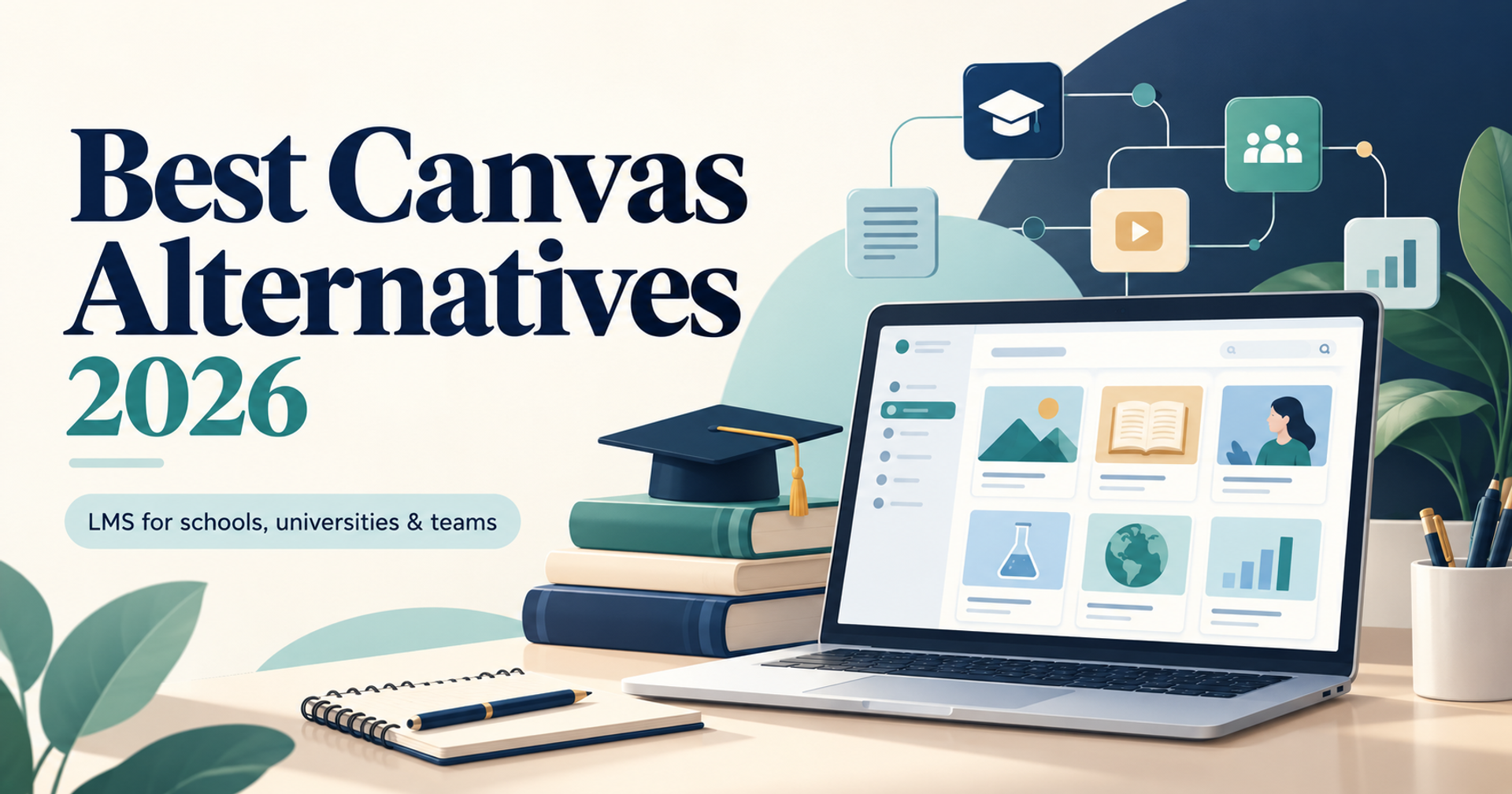
The best Canvas alternatives depend on how you teach, who you teach, and how much administration your team can handle. A university replacing its campus learning management system needs different capabilities from a school sharing assignments or a business delivering employee training.
Canvas LMS is Instructure’s learning management platform for delivering and managing learning. This article focuses on alternatives to that product, rather than Canva’s design tools or GoCanvas’s mobile forms.
Our shortlist includes Moodle, D2L Brightspace, Blackboard LMS, Google Classroom, Schoology Learning, and TalentLMS. Each deserves consideration for a different use case.
The recommendations below draw on official product information and published plan details reviewed on October 11, 2026. They are editorial assessments, not claims of hands-on testing. Pricing, availability, and included features can change.
Why Consider a Canvas Alternative?
An institution may evaluate a replacement because it needs different hosting arrangements, simpler classroom workflows, specialized workplace training, or a more suitable operating cost. Begin with the teaching problem you want to solve. A platform with a lower license price can still cost more after migration, integrations, training, and support.
Quick Comparison of Canvas Alternatives
| Platform | Recommended use case | Pricing approach | Main consideration |
|---|---|---|---|
| Moodle | Institutions wanting customization | Free open-source software; hosting costs extra | Requires technical ownership or managed hosting |
| D2L Brightspace | Institutions evaluating personalized learning | Request an institutional quote | Confirm which capabilities require add-ons |
| Blackboard LMS | Universities seeking an institutional learning platform | Request a proposal | Evaluate the complete product package |
| Google Classroom | Schools organizing everyday classwork | No-cost Education Fundamentals for qualifying institutions | Test advanced LMS requirements separately |
| Schoology Learning | Schools prioritizing teaching and family engagement | Request school or district pricing | Confirm SIS integrations and migration support |
| TalentLMS | Businesses delivering employee or customer training | Limited free plan and paid subscriptions | Academic workflows require careful evaluation |
Treat this table as a starting point. The right alternative for Canvas should support your actual courses, assessments, integrations, and learner experience.
1. Moodle: Best for Customization and Hosting Choice
Moodle is an open-source learning platform that organizations can download, host, and customize. You can manage your own installation or choose a hosted option through MoodleCloud or a service provider.
Its appeal is control over how the learning environment operates. Institutions with technical resources can evaluate extensions and tailor their setup to specific teaching requirements.
Main advantage: Open-source flexibility and a choice of hosting arrangements.
Main limitation: Free software still requires hosting, maintenance, backups, security updates, and administration. Extensive customization can also complicate upgrades.
Pricing: Moodle LMS has no software license charge. MoodleCloud and other managed services have separate charges and plan restrictions.
Choose Moodle when customization and deployment control matter more than minimizing technical responsibility. Compare the limits of managed hosting before assuming it supports every extension you need.
2. D2L Brightspace: Best for Personalized Institutional Learning
D2L Brightspace supports learning across higher education, schools, training organizations, and businesses. Its platform emphasizes course delivery, personalized learning, and data-informed decisions.
For institutions seeking a comprehensive Canvas replacement, Brightspace merits a structured demonstration. Ask instructors to build a sample course, assess student work, and inspect learner progress.
Main advantage: A broad institutional platform with personalization, integration, and analytics options.
Main limitation: Some capabilities sit within optional products. For example, D2L lists Creator+, Performance+, Achievement+, and Link among its add-ons.
Pricing: Request a proposal that separates core licensing, add-ons, migration, implementation, and support.
Choose Brightspace when your institution wants to evaluate learning pathways and reporting alongside everyday teaching tools. Confirm exactly what the proposed package includes before comparing its price with Canvas.
3. Blackboard LMS: Best for Comprehensive Campus Requirements
Blackboard LMS is an institutional learning platform with connected products for accessibility, analytics, course feedback, and institutional effectiveness.
It is worth evaluating when replacing Canvas involves more than moving course materials. Universities may also need to review integrations, faculty support, accessibility processes, and reporting.
Main advantage: An established learning platform within a wider collection of education products.
Main limitation: Connected products are not necessarily included in the core subscription. Request clear package boundaries and demonstrate the complete proposed environment.
Pricing: Obtain an institution-specific proposal covering licensing, services, implementation, and selected additions.
Choose Blackboard when your buying team wants an institutional alternative and can run a detailed pilot. Have faculty and students test common tasks rather than relying exclusively on administrator demonstrations.
4. Google Classroom: Best for Everyday School Classwork
Google Classroom helps teachers organize classwork within Google’s education ecosystem. It is particularly relevant to schools already using tools such as Docs, Drive, Forms, and Meet.
For straightforward assignment distribution and classroom coordination, it deserves a place on the shortlist.
Main advantage: Connection with familiar Google tools and a no-cost entry option for qualifying institutions.
Main limitation: Do not assume it reproduces every Canvas workflow. Evaluate complex assessments, institutional reporting, external learning tools, and course migration individually.
Pricing: Classroom is included in Education Fundamentals, available without charge to qualifying educational institutions. Additional capabilities depend on the selected edition.
Choose Classroom when everyday teaching tasks are the priority. A university with extensive LMS requirements should test the full proposed setup before committing.
5. Schoology Learning: Best for School and Family Engagement
Schoology Learning is PowerSchool’s learning management system connecting teachers, students, and families. Its features include teaching resources, assessments, lesson planning, and student information system integrations.
Schools considering a switch should inspect how assignments, grades, and communication fit their daily operations.
Main advantage: A school-oriented platform combining teaching workflows with family participation.
Main limitation: Integration behavior depends on the connected student information system. Confirm which grades, attendance records, and other data synchronize in your proposed configuration.
Pricing: Request pricing for your school or district, including implementation and support.
Choose Schoology when school-specific workflows and communication matter most. During evaluation, test teacher setup, student submissions, parent access, and grade synchronization using realistic sample classes.
6. TalentLMS: Best for Business Training
TalentLMS focuses on training use cases such as employee onboarding, compliance, partner education, and customer training.
It can be a useful Canvas alternative when your requirements center on workplace learning rather than academic administration.
Main advantage: A business-training focus and a small free environment for initial evaluation.
Main limitation: Institutions should verify academic requirements such as semester structures, complex grading, and student information system connections.
Pricing: Its documented free plan supports up to five active users and ten active courses. Compare the current paid plans for higher limits and additional features.
Choose TalentLMS when your primary objective is delivering training to employees or external audiences. Test reporting and course completion requirements with your own content before expanding.
How to Choose and Migrate
Start with five essential workflows: course creation, assignment submission, grading, learner communication, and reporting. Ask each shortlisted vendor to demonstrate the same examples.
Compare three-year costs, including migration, training, integrations, support, and internal administration. Check mobile usability, accessibility, authentication, data exports, and storage limits.
Pilot several representative courses before switching. Verify question banks, rubrics, links, grade calculations, and enrollment data. Keep historical records accessible and train instructors before the new platform becomes mandatory.
Before migration, create a course inventory and mark the materials that must remain editable. Ask each vendor which import formats it accepts and what requires manual rebuilding. Include an assessment-heavy course, a multimedia course, and a course with external tools in your pilot. An apparently successful import can still leave broken links, missing feedback, or changed grade calculations.
Assign owners for identity management, enrollment updates, course content, and help-desk support. Agree on how instructors report problems and how urgent student-access issues are escalated. Compare the support hours and training services in each proposal. A familiar interface can reduce onboarding effort, but teaching staff still need guidance on grading, communication, and course publishing.
Ask your IT and procurement teams to review data location, access permissions, retention, deletion, and export arrangements before approval. Test keyboard navigation and the mobile experience with representative learners. Record the acceptance criteria before the pilot begins so your final choice rests on documented results rather than a persuasive demonstration.
Final Verdict
Shortlist Moodle for flexibility, Brightspace and Blackboard for institutional requirements, Classroom and Schoology for school workflows, and TalentLMS for business training. The best Canvas alternatives match your teaching model, integration needs, and realistic operating budget.
Explore our learning management systems guide and learning content management software comparison for a wider shortlist.