The difficult part of leaving an AI assistant is rebuilding the way you work: the prompts you trust, the files you return to and the conversations that contain useful decisions. A convincing demonstration from another chatbot does not tell you whether that daily routine will improve.
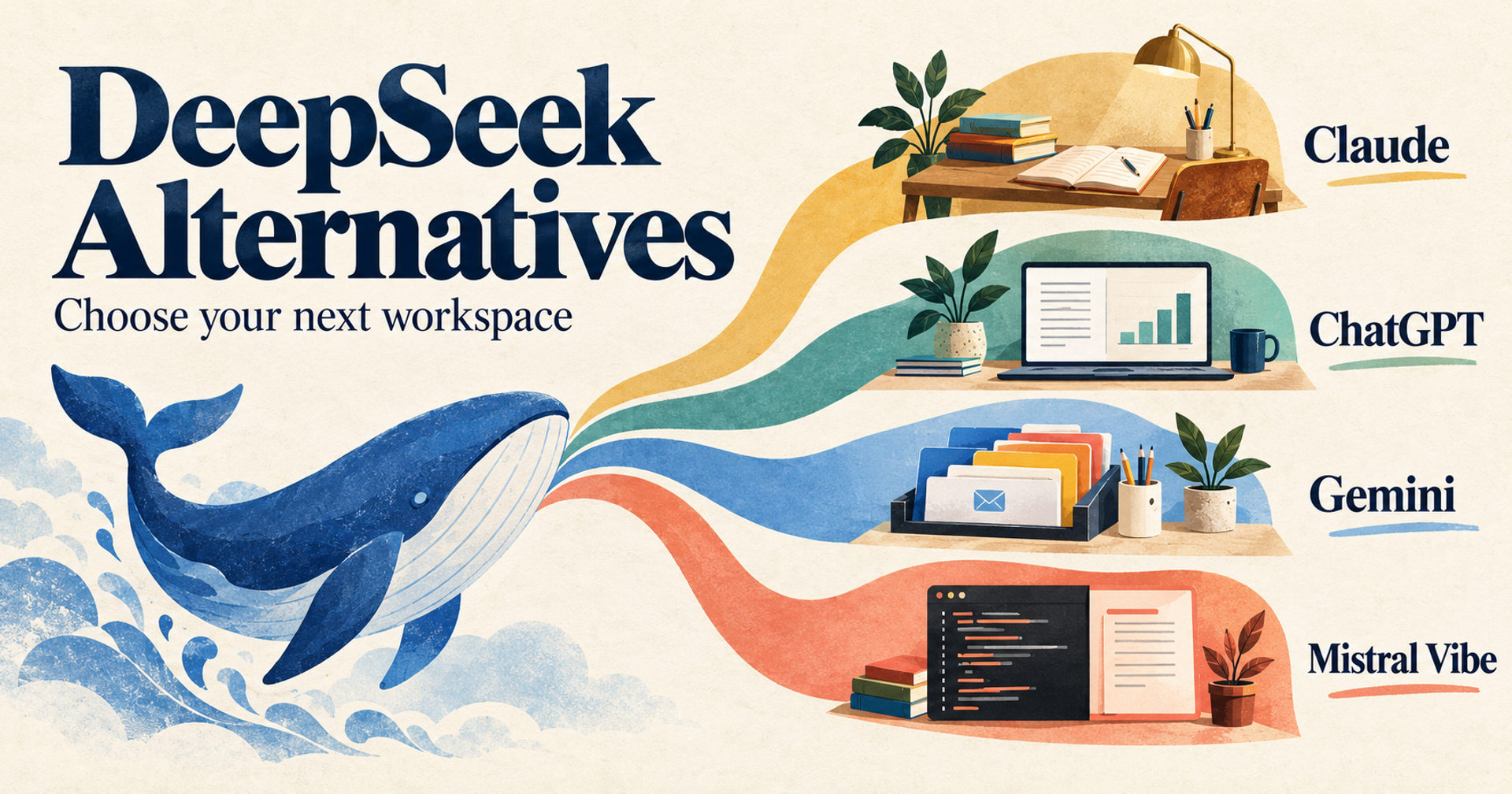
For people replacing DeepSeek's web or mobile chat, four alternatives deserve a closer look: ChatGPT for a mix of conversation, files and research; Claude for document-led work; Gemini for a Google-oriented workspace; and Mistral Vibe, formerly Le Chat, for an assistant that also extends into coding and connected work.
This is a documentation-based comparison of consumer assistant workflows, checked on 23 October 2026. We did not benchmark answer quality or perform hands-on migration tests. The recommendations identify evaluation candidates, not a universal intelligence ranking. Developer API replacement and local model hosting are separate decisions.
Start with the part of DeepSeek you want to replace
DeepSeek's official site distinguishes its chat experience from its API platform and other products. Make the same distinction in your shortlist. Someone who wants to read reports in a browser needs different evidence from a developer replacing an API integration.
Write down one concrete frustration: you need a more organized document workspace, want AI inside applications you already use, require a different data-handling arrangement, or keep running into a particular feature limit. Then ask whether another product addresses that exact problem on the plan you can afford.
Keep DeepSeek if its current chat workflow meets your needs and the alternatives add little beyond another subscription. You can also keep it for selected tasks while evaluating another assistant for a different job. Switching is useful when it removes a recurring obstacle, not simply because a new model name appears.
Compare four replacement routes
| Assistant | Why shortlist it | Free starting point | Main trade-off to check |
|---|---|---|---|
| ChatGPT | Chat, uploaded files and research in one service | Free tier; advanced tools have separate limits | Ordinary chat access does not mean unrestricted research or uploads |
| Claude | Working from documents toward editable outputs | Free tier with usage limits | Projects and greater usage depend on plan |
| Gemini | Assistance alongside Google applications | Free with a Google Account | Personal subscriptions and organization-managed access differ |
| Mistral Vibe | Chat plus connected work and coding workflows | Free tier with limited messages/searches | Agent, coding and storage needs can change the required plan |
These are hosted assistant alternatives. They are not four interchangeable models, and none should be assumed to import your complete DeepSeek workspace. We selected them for documented consumer access, distinct working environments and official information about plans. Narrow search engines and specialist coding-only tools are outside this shortlist.
1. ChatGPT: combine conversation, files and follow-up research
ChatGPT is worth evaluating when one question often becomes several kinds of work. You might begin with a document, ask for a comparison, investigate missing information and turn the result into a draft. Its plan comparison lists file uploads, search, data analysis and research capabilities, with access varying across tiers.
The practical gain over a chat-only routine is the range of follow-up workflows you can evaluate in the same service. That does not establish that ChatGPT will produce better answers than DeepSeek on your own material. Try a representative report and inspect whether the explanation, calculations and final output remain faithful to it.
The free tier is a reasonable starting point, but tool allowances deserve separate attention. The current page distinguishes everyday text conversations from limited uploads, image creation and deep research. A task that works once during an evaluation may reach a limit during a busy workday.
For paid access, compare the plan you actually need rather than buying the highest tier by default. The retrieved pricing page did not expose a dependable numeric individual subscription price in its text, so this guide does not supply one. Check the amount, currency, billing period and applicable taxes in your account before subscribing.
Move important instructions and source files first, then rebuild the working context you need. An old transcript can provide background; it should not be treated as transferred memory or automatically functioning project configuration. PickMySoft's broader ChatGPT alternatives guide provides another perspective if you are still deciding which working environment to adopt.
2. Claude: build a document-centered working routine
Claude belongs on the shortlist when your recurring task starts with source material and ends with an explanation or editable deliverable. Its current pricing page lists file creation, running code, web search and Artifacts on Free, with Projects and additional usage among Pro's features.
Consider a recurring client brief: the source documents and instructions matter across several sessions, while each final brief needs a different emphasis. Evaluate whether Claude's available workspace features make that context easier to maintain. This is a workflow recommendation, not a claim that it writes more accurately than every competitor.
The main constraint is usage. Paid access provides more capacity, but the page explicitly says limits apply. Large files, long conversations and repeated revisions can affect whether the plan suits your routine. Test the complete assignment rather than a short opening prompt.
For individual Pro, the official page shows US$20 per month when billed monthly, or US$200 paid up front for an annual subscription; it describes the annual price as approximately US$17 per month. Applicable taxes are additional. Those terms were checked on 23 October 2026 and may change. Start with Free to assess the workflow before committing annually.
The transfer work is rebuilding instructions, organizing permitted files and reviewing results. Do not assume an exported DeepSeek conversation becomes a native Claude project. Keep your original sources outside either assistant, and check that quotations and summaries still agree with them. Choose Claude when this document-to-output process is the reason for switching, rather than because a longer response looks more authoritative.
3. Gemini: evaluate the Google applications you already use
Gemini makes particular sense as an evaluation candidate when your work already revolves around Google applications. Its subscription page separates personal, business and developer offerings, and lists Gemini access alongside Google application benefits on eligible personal plans.
That packaging changes the comparison. Instead of asking only which chatbot you prefer, ask whether the included application features and storage replace something you would otherwise buy. Conversely, do not count a bundle as savings if you would not use its other benefits.
The page offers free access with a Google Account. On the United States view checked for this article, Google AI Pro was US$19.99 per month and included higher usage access and Gemini features in Gmail, Docs and other applications. This is a US monthly reference, not an INR quotation or a guarantee that every feature is available to every account. Confirm country eligibility, age requirements, taxes and the exact application features before purchase.
The important limitation is account context. A personal subscription is not automatically the right arrangement for an employer-managed Workspace account. Verify who administers access and which terms govern the material you plan to use. Do not connect a work account merely because the personal offer looks convenient.
For a pilot, take one repeatable Google-based task and assess it from start to finish: finding the permitted source, producing the response and editing the result where you need it. Gemini is most compelling when that application workflow improves your routine; it is less compelling if you only need an occasional standalone chat.
4. Mistral Vibe: consider connected work alongside chat
Older comparisons may call this product Le Chat. Mistral's current product page explicitly says Le Chat is now Vibe and that existing conversations, settings and plans carry over. Use the current product and plan information when evaluating it.
Vibe combines a chat assistant with work and coding capabilities. Mistral describes web research, document creation, connectors and coding interfaces. That makes it a relevant DeepSeek alternative for someone who wants assistance to continue into a task, rather than end with a conversational answer.
The trade-off is additional setup and scope. A connected assistant needs appropriate permissions, and a coding workflow needs its own review process. Check exactly what it can read or change before enabling connections. A capable agent still needs a clear assignment and sensible approval boundaries.
Mistral's pricing page lists Free with limited messages, web searches and coding sessions. Paid tiers increase access and add capabilities. The retrieved page interleaved education, regional and tax presentation around its headline prices, so this comparison deliberately omits a universal paid starting amount. Check the standard offer for your location and billing arrangement instead of assuming a student price applies.
Evaluate Vibe if the combination of chat, documents and coding matches your work. You do not need that broader scope merely to replace occasional DeepSeek questions. The Le Chat-to-Vibe continuity statement concerns Mistral's existing users; it does not promise automatic transfer from DeepSeek.
Check data handling before moving your conversations
Changing brands is not a privacy assessment. DeepSeek's privacy policy describes collecting prompts, uploaded material and chat history, and says it directly collects, processes and stores personal data in the People's Republic of China. It also describes model-improvement uses and relevant user rights. Read the current policy for the service you actually use.
Apply the same scrutiny to the destination. Compare the exact personal or business service, training controls, retention arrangements, permissions and organization requirements. This guide does not rank these assistants by privacy or assert that a paid personal account is approved for confidential business information.
Before uploading anything, remove unnecessary personal information and confirm you are allowed to share the remaining material. A useful assistant for public research may still be unsuitable for a particular internal document.
Make the switch reversible
Keep a portable source folder and a short instruction file outside the assistant. Record the task, audience, preferred output and important constraints. Save essential decisions from old chats as concise notes, with original files and references attached where appropriate.
Then run a small trial in two candidates. Include one task you repeat often, one document-based question and one request where information is missing. Check corrections, source fidelity, export usefulness and the limits you encounter. These are suggested tests for readers, not tests we claim to have performed.
Choose a paid tier only after the trial reveals a real constraint. Compare the total recurring cost, including subscriptions you retain, and the effort of rebuilding your working context. Keep your DeepSeek account and important records until the destination meets your acceptance criteria.
The best outcome may be a split workflow: one assistant for routine questions and another for a particular document or application task. Paying for several overlapping plans is justified only if that division produces a benefit you can explain.