An alternative to Amazon Web Services (AWS) is useful when it improves a particular workload: running your application, operating a database, analysing data or managing infrastructure. A provider with a smaller catalogue can be a sensible choice for a conventional web application. A company with complex systems may need another broad cloud platform.
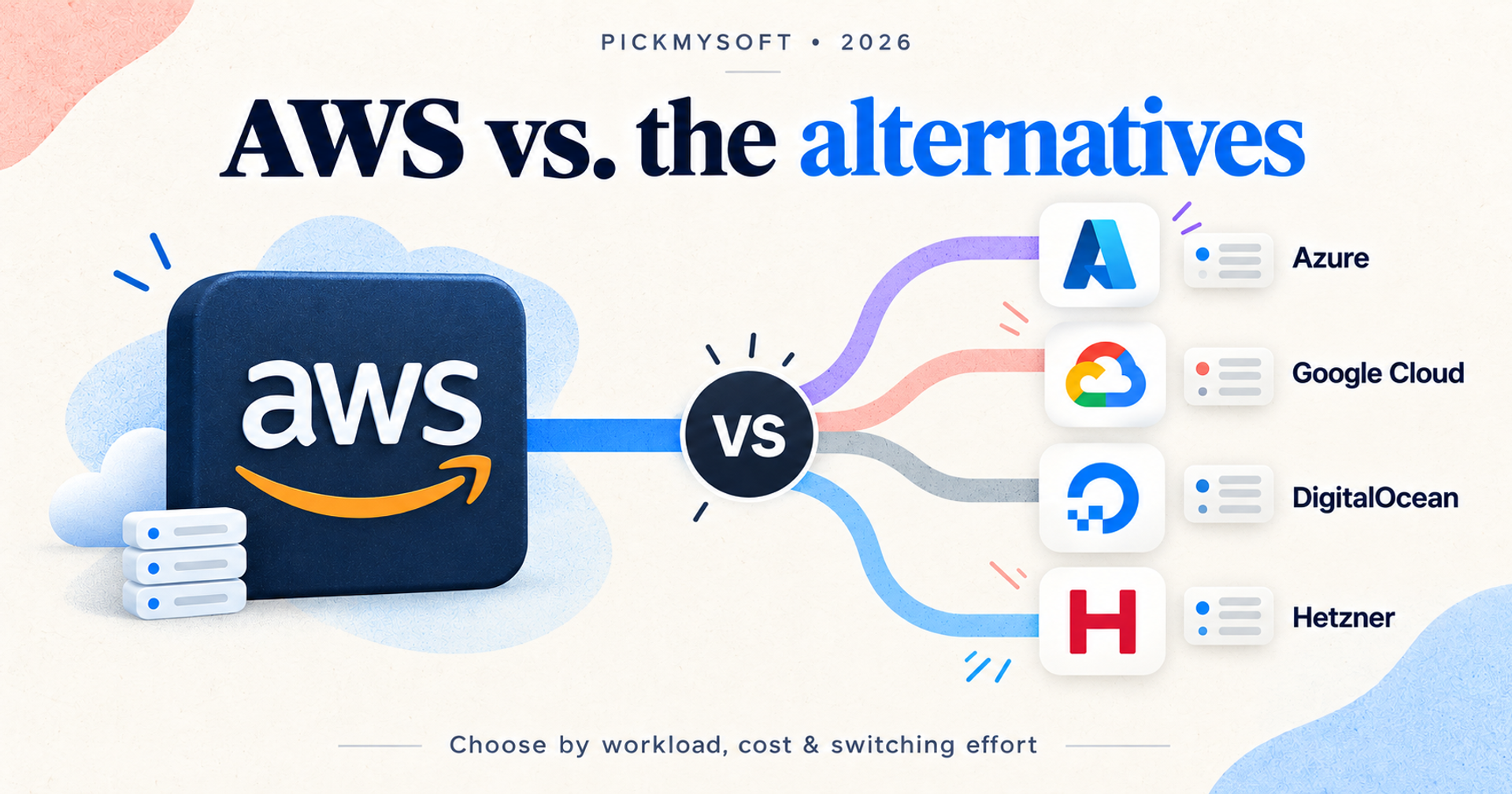
Start with Azure for Microsoft-oriented infrastructure, Google Cloud for an application and analytics stack, DigitalOcean for a focused managed application platform, or Hetzner Cloud for virtual servers your team can operate. These are starting points for evaluation, not a universal ranking.
This guide compares four AWS competitors through official product and pricing information checked on 23 October 2026. It includes no hands-on performance benchmark or measured savings claim. Recommendations are editorial judgments about workload fit.
Decide what you are replacing first
AWS’s catalogue covers compute, databases, storage, networking and many other services. Replacing an EC2-hosted application is a different project from replacing an application built around multiple AWS services.
Write down the smallest complete workload you could move. Include its database, files, scheduled jobs, authentication, monitoring and deployment process. A server that starts successfully is only one part of that workload.
Then identify the actual reason to switch. Is your bill difficult to forecast? Does your team want fewer infrastructure decisions? Do you need a different managed service? Those questions lead to different shortlists.
Keep AWS when its existing services solve your requirements and migration would mainly exchange one provider’s concepts for another’s. Review unused resources, architecture and purchasing commitments before assuming that moving will reduce costs. Retaining AWS for one application while evaluating another provider for a new project can also be reasonable.
Four options at a glance
| Provider | Start here when | Replacement scope | Main evaluation risk |
|---|---|---|---|
| Microsoft Azure | You need a broad cloud alongside Microsoft infrastructure | Broad cloud; service mapping required | Rebuilding identity, networking and deployment arrangements |
| Google Cloud | Containers, SQL databases and analytics are central | Broad cloud; service mapping required | Data movement and changes to managed-service behaviour |
| DigitalOcean | You want VMs or managed hosting for a conventional application | Selected application and infrastructure workloads | Assuming every AWS dependency has a direct substitute |
| Hetzner Cloud | You want virtual servers and can operate the software stack | Primarily infrastructure in this comparison | Underestimating administration and recovery work |
We selected these providers to represent different operating models. The comparison considers application hosting, database options, storage, purchasing clarity and migration responsibility. It excludes specialist services that replace only a narrow AWS function. The shortlist is deliberately small so readers can distinguish a broad platform change from a simpler hosting decision.
1. Microsoft Azure: evaluate it for Microsoft-oriented infrastructure
Microsoft Azure offers virtual machines, App Service, Azure Functions, Azure Kubernetes Service, SQL services and Blob Storage. Its catalogue also includes identity, security and management services. That breadth makes it a relevant AWS alternative for organisations that need more than a place to run a server.
Consider Azure when your team wants to evaluate its application infrastructure alongside existing Microsoft systems. Begin with the specific workload: an application needing VMs and SQL has a different design from one using managed containers and event-driven functions. Existing familiarity can be useful, but it does not remove the need to check service behaviour and operating procedures.
The trade-off is that Azure remains a substantial cloud platform. It should not be selected merely to avoid learning infrastructure concepts. Your AWS permissions, networking rules and deployment definitions need an explicit destination design. Matching a product name is not enough to establish equivalent reliability or security.
Azure pricing is organised by service, with a calculator and purchasing options. Build an estimate for the intended region and configuration; review reservations or other commitments only after understanding expected usage. There is no meaningful single Azure subscription price for this comparison.
Choose Azure over AWS when an evaluation shows a better fit for your Microsoft-oriented operating environment. For another perspective on its trade-offs, read PickMySoft’s Azure alternatives guide.
2. Google Cloud: compare the application and data stack together
Google Cloud’s catalogue includes Compute Engine VMs, Google Kubernetes Engine, Cloud Run, Cloud SQL, Cloud Storage and BigQuery. Those services make it worth evaluating when both application delivery and data analysis shape your infrastructure decisions.
For example, a containerised application could be evaluated around Cloud Run and Cloud SQL, while an analytics requirement could prompt a separate BigQuery assessment. The point is to examine a complete design. Choosing a cloud because one service looks attractive can leave expensive or awkward connections elsewhere.
Google Cloud is a broad alternative, but that does not mean your AWS architecture transfers unchanged. Check how the destination handles database connections, scheduled work, identity, file access and deployment. If the application depends on AWS-specific APIs, budget for adapting that code and testing its failure behaviour.
Google Cloud pricing is based on the products and usage involved. Its free credits and limited free usage can support evaluation, subject to the relevant terms. They should not be treated as the long-term operating budget. Estimate the workload after promotional benefits end.
Choose Google Cloud over AWS when its application and data services fit the architecture you want to run. Keep the decision narrow: a better analytics fit does not automatically justify moving every existing application.
3. DigitalOcean: shortlist it for a focused application stack
DigitalOcean offers Droplet virtual machines, App Platform, managed Kubernetes, managed databases and Spaces object storage. This combination makes it a practical candidate for teams comparing infrastructure and managed hosting for a conventional web application.
The operating choice matters. A Droplet gives your team a VM to administer. App Platform offers a managed route for building and deploying applications. Managed databases can remove some database administration work, but you still need to check engine support, configuration, availability requirements and recovery arrangements.
DigitalOcean’s smaller scope in this comparison is useful only if it covers your workload. An application using many specialised AWS services needs a dependency-by-dependency assessment. Do not mistake Spaces’ documented S3 compatibility for proof that every application integration will behave identically.
The official pricing page lists product-level charges and starting configurations. Calculate the actual combination of compute, database, storage, backups and networking you need. An entry-level VM price does not describe the cost of a resilient application.
Choose DigitalOcean over AWS when your requirements fit its documented services and the resulting operating model suits your team. During a pilot, compare the managed route with the VM route; the cheaper-looking server can require more staff work.
4. Hetzner Cloud: consider it when your team can own operations
Hetzner Cloud provides cloud servers with shared or dedicated vCPU options, private networks, firewalls and API-based management. It is relevant when the requirement is primarily virtual infrastructure and your team is comfortable running the software above it.
This is a narrower replacement decision than moving an entire AWS service estate. A portable application may be a candidate, but the plan must explain who patches its operating system, maintains databases, monitors failures and restores service. Renting infrastructure does not eliminate those jobs.
Hetzner distinguishes shared cloud plans from dedicated-vCPU options. Compare the resource model against the application’s sustained workload rather than selecting solely by memory or headline price. Check the desired location, available configuration and traffic terms before committing.
The cloud page exposes location, currency and VAT settings. Obtain a quote for the configuration you intend to use, including relevant storage, traffic and recovery requirements. This guide does not assert a universal price advantage: equivalent cost depends on the application and the work your team takes on.
Choose Hetzner over AWS when a server-focused design meets your needs and you have a credible operations plan. If managed database administration or a broader service catalogue is essential, evaluate that requirement before choosing infrastructure.
How to compare cheaper alternatives to AWS
Use the same assumptions across providers: region, compute resources, running hours, database capacity, storage, outbound traffic, backup retention and availability design. Include monitoring, support and the people required to operate the system.
Separate three amounts: recurring infrastructure, recurring administration and one-time migration. Add temporary overlap while both environments are running. List any remaining commitments to your current provider separately.
A low compute quote can lose its advantage when the destination requires additional maintenance or a different availability design. Conversely, a managed service can be worthwhile if it removes work you would otherwise perform. Neither conclusion can be established from a provider’s starting price.
Ask each shortlisted provider the same questions: what grows with traffic, what remains billed while idle, what must be purchased separately, and what changes after credits expire? Save the configuration and date beside each estimate so the comparison can be reproduced.
Run a migration pilot with a rollback plan
Choose one bounded workload and document its dependencies. Map every current service to a destination service, an application change or a retained dependency. Mark unresolved items before estimating the project.
Recreate the environment using representative, permitted data. Check imports, permissions, scheduled jobs, file access and deployment. Test a restore and a failed deployment; a successful happy-path request does not establish operational readiness.
Define acceptance criteria before cutover: correctness, tolerable latency, recovery behaviour and a budget appropriate to your workload. These are tests for your team to run, not results claimed by this article.
Finally, document the cutover, how writes will be handled, and when rollback remains possible. Keep the original environment until the agreed checks pass. Remove resources only after confirming retention and recovery obligations.
Which AWS alternative should you choose?
Shortlist Azure for Microsoft-oriented infrastructure and Google Cloud when its application and analytics services fit your design. Compare DigitalOcean for a focused managed application stack. Evaluate Hetzner for virtual infrastructure when your team can own operations.
The next step is a complete workload estimate and a small pilot. If neither reveals a clear benefit, keeping AWS may be the better decision.